> For the complete documentation index, see [llms.txt](https://docs.solmatebot.com/llms.txt). Markdown versions of documentation pages are available by appending `.md` to page URLs; this page is available as [Markdown](https://docs.solmatebot.com/web-dashboard/dashboard-overview.md).
# Dashboard Overview
Manage your servers, trackers, verification, and more from the web.
The Solmate web dashboard at [solmatebot.com](https://solmatebot.com) gives you full control over all of Solmate's features without needing to type Discord commands.
## Logging In
1. Go to [solmatebot.com](https://solmatebot.com)
2. Click **Login** in the top navigation
3. Authorize with your Discord account
## Selecting a Server
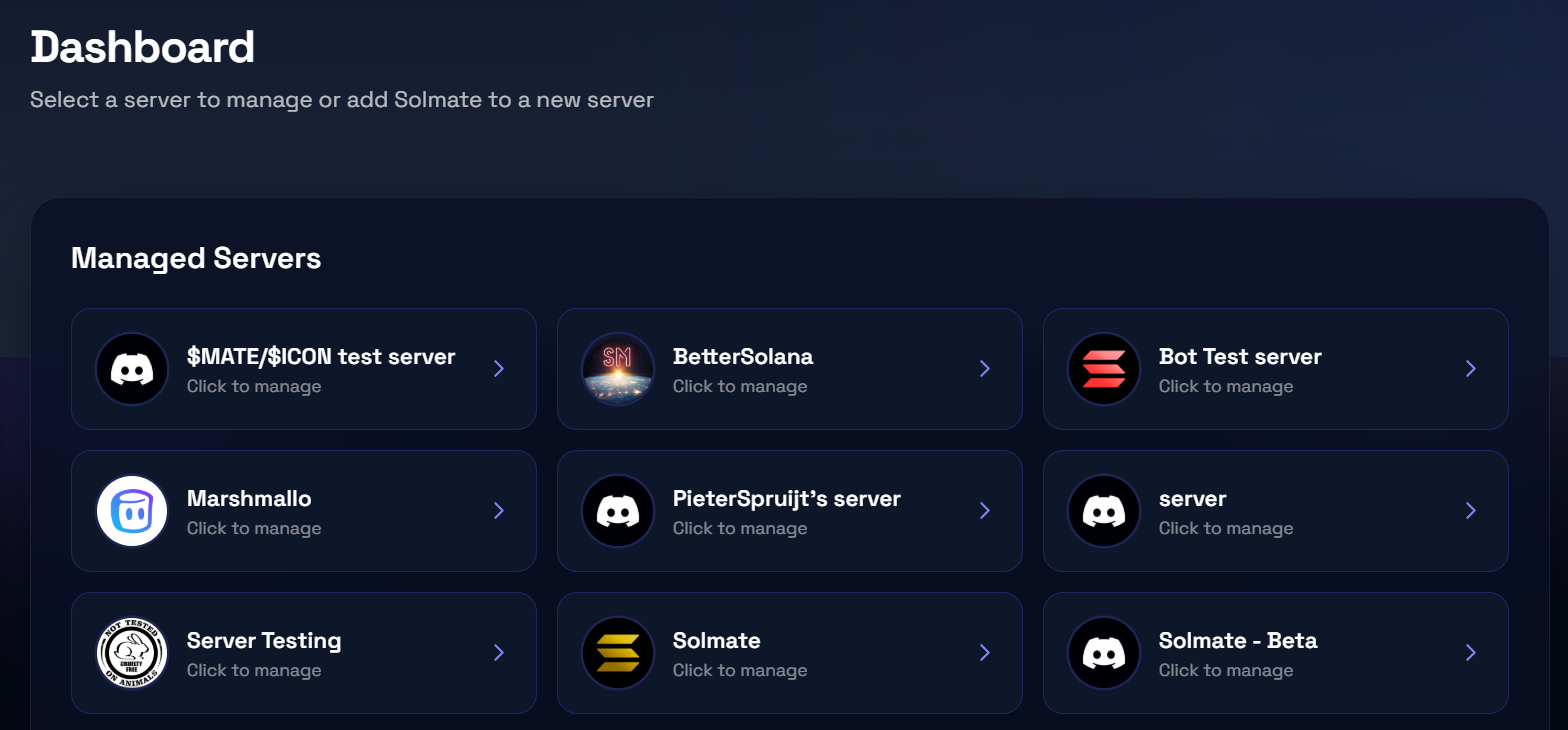
After logging in, go to [solmatebot.com/manage](https://solmatebot.com/manage) to see all your servers.
Server selection page
You'll see two sections:
* **Managed servers** — servers where Solmate is already installed. Click to manage.
* **Unmanaged servers** — servers you own but haven't added Solmate to. Click to invite the bot.
## Server Management
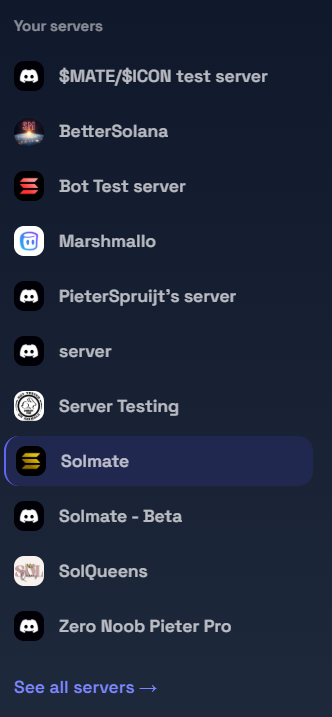
After selecting a server, you'll see the management dashboard with these tabs:
Dashboard sidebar with navigation tabs
| Tab | What you can do |
| ---------------- | ---------------------------------------------------------------------- |
| **General** | View server info and quick links to other tabs |
| **Settings** | Configure tracker behavior, verification settings, and display options |
| **Plans** | View current plan, compare plans, upgrade or manage subscription |
| **Trackers** | Add, remove, pause, resume, and bulk-manage wallet trackers |
| **Verification** | Set up holder roles, refresh verifications, export data |
| **Snapshots** | Create and download holder snapshots for collections and tokens |
{% hint style="info" %}
The dashboard is fully responsive and works on mobile. On smaller screens, use the menu button to access the sidebar.
{% endhint %}
## Quick Links
* **Dashboard home:** [solmatebot.com/manage](https://solmatebot.com/manage)
* **Account & wallets:** [solmatebot.com/account](https://solmatebot.com/account)