Wallet Tracker
Track Solana wallets in real-time and get notifications for every transaction.
The wallet tracker is Solmate's most powerful feature. Track any Solana wallet and get instant Discord notifications for swaps, transfers, token creation, burns, limit orders, and more.
Adding a Tracker
Via Discord
Type
/tracker addin any channelEnter the wallet address (or a
.soldomain)Select the channel where notifications should be sent
Optionally add a nametag (a friendly name for the wallet)
Optionally add labels (comma-separated tags to organize wallets)
Press Enter
Via Web Dashboard
You can also add trackers from the dashboard — including bulk adding multiple wallets at once. See Managing Trackers.
Activation time: New trackers may take up to 10 minutes to start receiving transactions.
What Gets Tracked
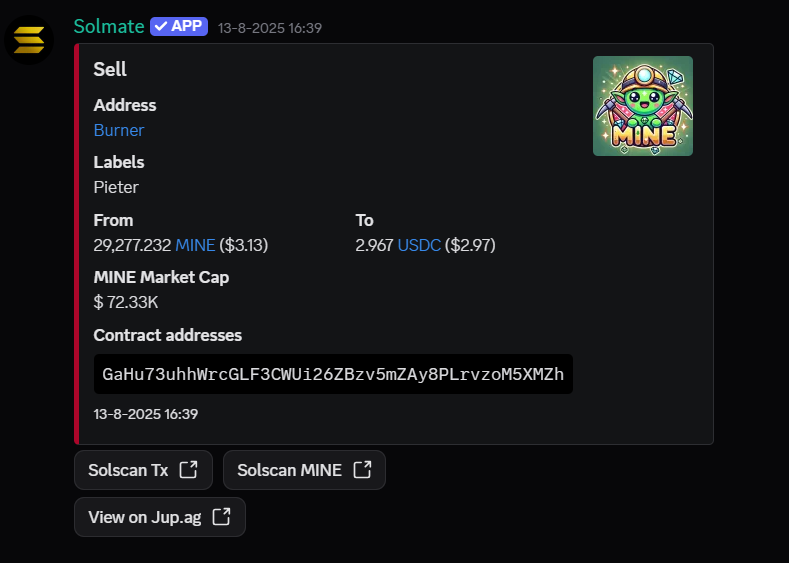
Each notification includes details about the transaction, along with quick-action buttons to view it on explorers and trading tools.
Swaps
Token buys and sells (Jupiter, Raydium, etc.)
Transfers
SOL and token transfers between wallets
Token Creation
When the wallet creates a new token
Burns
When tokens are burned
Limit Orders
Creation, execution, and cancellation
Fee Claims
Pump.fun fee claims
Managing Trackers
List all trackers
Discord:
/tracker list— shows all tracked wallets with paginationDashboard: Go to solmatebot.com/manage > select your server > Trackers tab
Pause & Resume
You can temporarily pause trackers without deleting them:
Discord:
/tracker pauseand/tracker resume— pause/resume all or a specific tracker by indexDashboard: Use the pause/resume buttons next to each tracker, or select multiple and use bulk actions
Remove a tracker
Discord:
/tracker removeand enter the wallet addressDashboard: Click the delete button next to the tracker, or select multiple and bulk delete
Minimum Transaction Value
Filter out spam and dust transactions by setting a minimum USD value. Only transactions above this amount will trigger notifications.
Set this on the dashboard under Settings > Wallet Tracker Settings > Minimum USD Value.
Notification Buttons
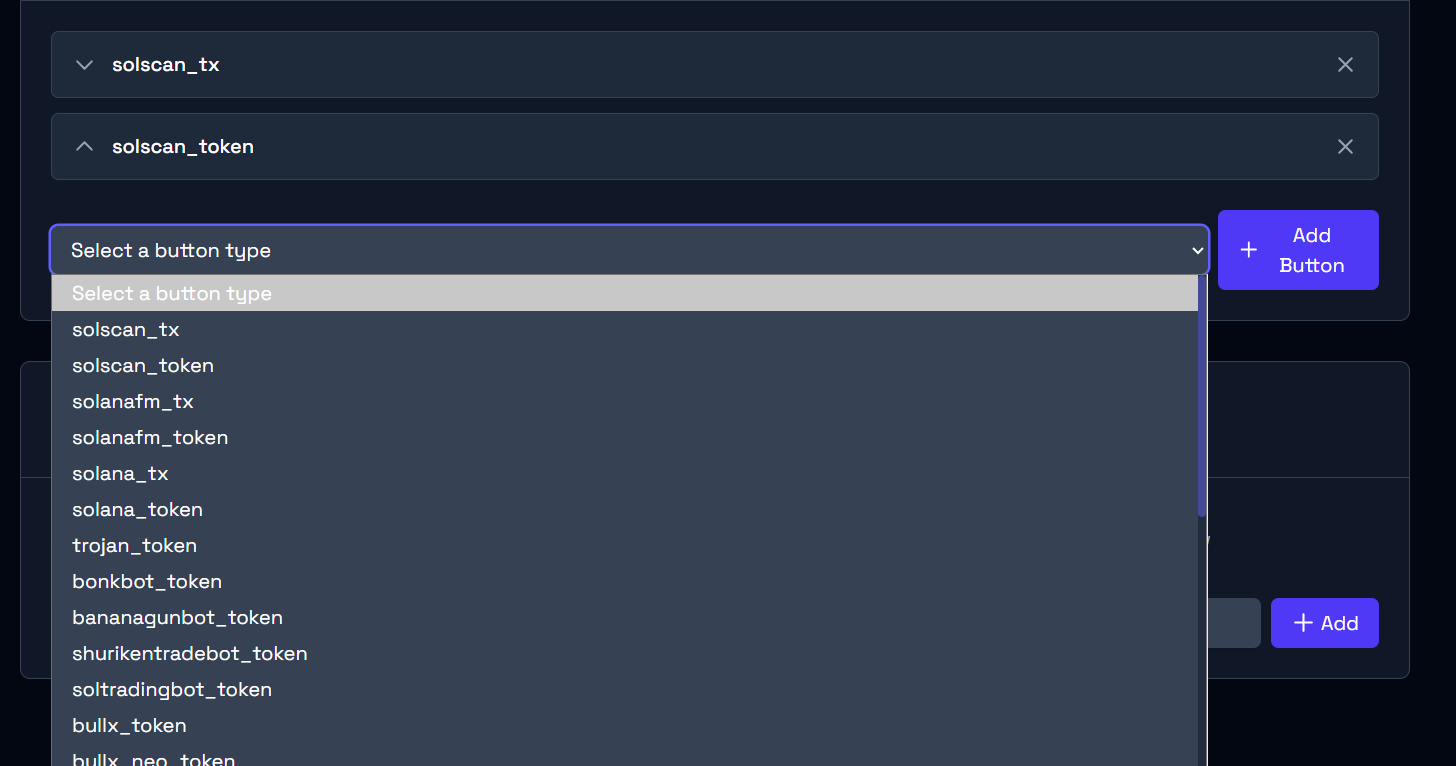
Each tracker notification includes quick-action buttons. You can customize which buttons appear and their order on the dashboard under Settings > Button Configuration.
Available buttons include links to:
Explorers: Solscan, Solana.fm, Solana Explorer
Trading bots: Trojan, Bonkbot, BananaGun, BullX, and more
Token viewers: Birdeye, DexScreener, Photon, GMGN, Axiom
Utilities: RugCheck, PumpFun, Jupiter
Display Options
On the dashboard under Settings, you can toggle:
Show contract address — display the token's contract in notifications
Show transaction summary — include a summary line
Anonymize addresses — hide full addresses in notifications
Show market cap — display token market cap
Show memo field — show transaction memos
Tracker Limits
Free
5
Plus
50
Pro
150
Community
300
Need more? Check out Premium Plans or request a custom plan.
Last updated