> For the complete documentation index, see [llms.txt](https://docs.solmatebot.com/llms.txt). Markdown versions of documentation pages are available by appending `.md` to page URLs; this page is available as [Markdown](https://docs.solmatebot.com/discord-bot-features/holder-verification.md).
# Holder Verification
Verify your members' wallets and assign roles based on NFT and token holdings.
With holder verification, your community members can connect their Solana (or BNB) wallet and automatically receive Discord roles based on what they hold.
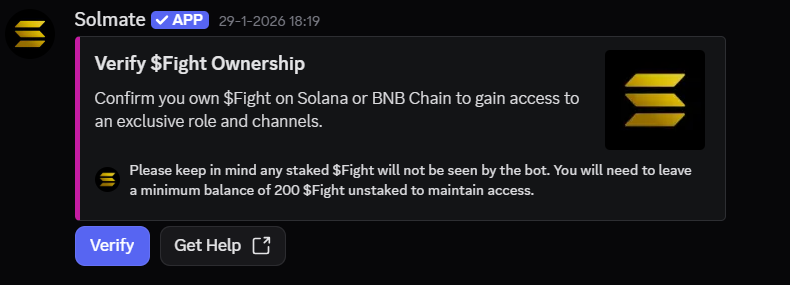
A verification panel in Discord
## Creating a Verification Panel
A verification panel is an embed message with a "Verify" button that members click to start the verification process.
1. Type `/verification create` in the channel where you want the panel
2. Optionally customize the embed:
* **title** — panel title
* **description** — custom message
* **color** — hex color code (e.g., `#FF5733`)
* **footer\_text** — text at the bottom
* **footer\_url** — link in footer
* **thumbnail** — small image
* **image** — large image
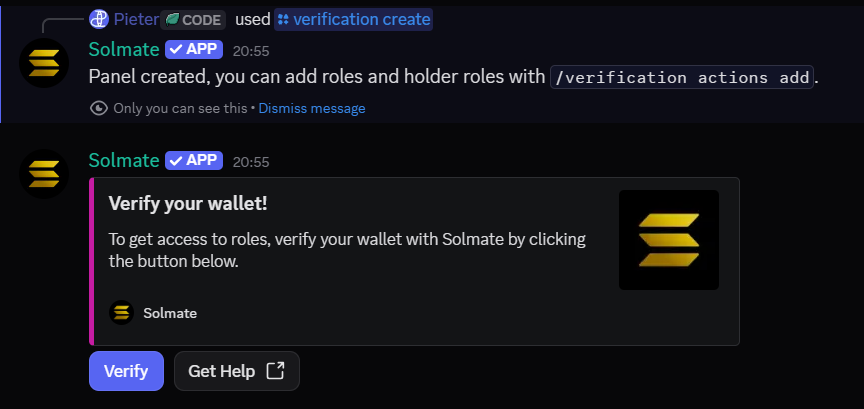
3. Press Enter — your panel is created
Creating a verification panel with custom options
The resulting verification panel with a Verify button
## Adding Holder Roles
Once your panel is created, you need to set up **actions** — rules that assign roles based on holdings.
{% tabs %}
{% tab title="NFT Collections" %}
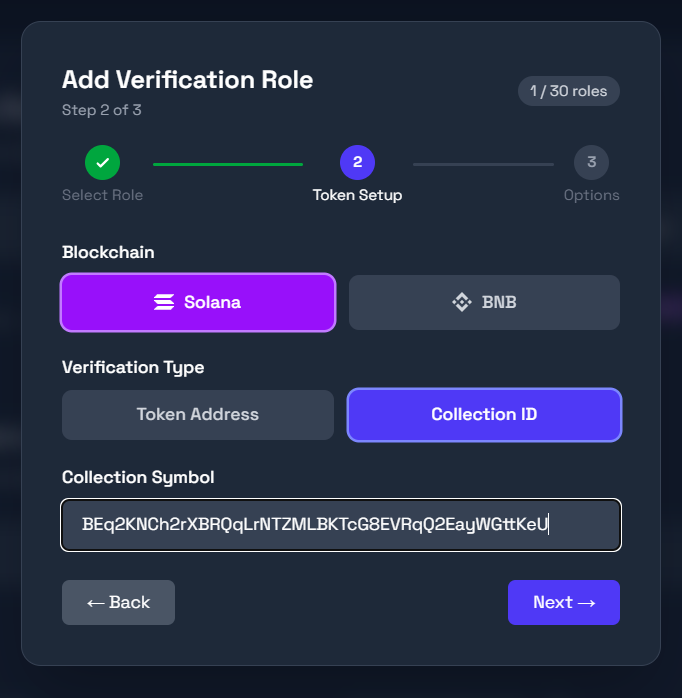
1. Type `/verification actions addcollection`
2. Select the **role** to assign
3. Enter the **collection** name or symbol
4. Optionally set:
* **amount** — minimum number of NFTs required
* **traitname** and **traitvalue** — require a specific trait (e.g., "Background" = "Gold")
5. Press Enter
Adding a collection-based holder role
{% hint style="info" %}
**Finding the collection symbol:** On Magic Eden, the symbol is in the URL. For example: `https://magiceden.io/marketplace/iconic_ape_club` — the symbol is `iconic_ape_club`.
{% endhint %}
{% endtab %}
{% tab title="Tokens" %}
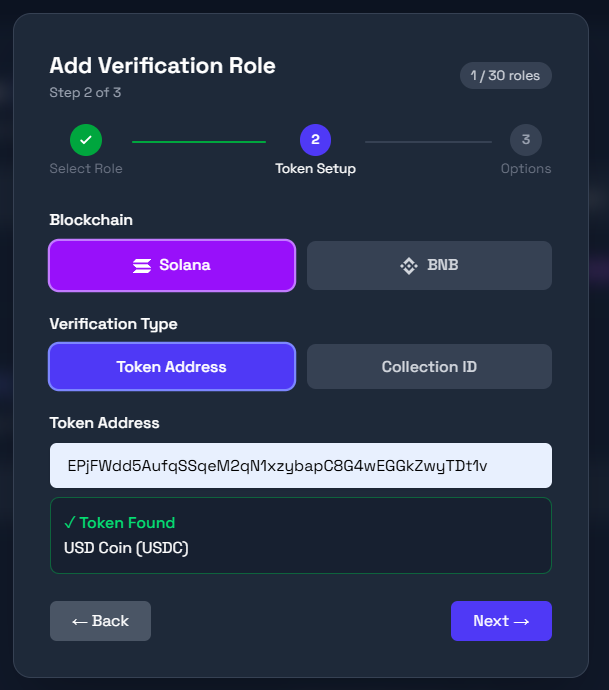
1. Type `/verification actions addtoken`
2. Select the **role** to assign
3. Enter the **token** name or contract address
4. Optionally set the **amount** — minimum tokens required
5. Press Enter
Adding a token-based holder role
{% endtab %}
{% endtabs %}
## Managing Roles
### List all actions
* **Discord:** `/verification actions list` — shows all configured roles and their requirements
* **Dashboard:** Go to [solmatebot.com/manage](https://solmatebot.com/manage) > select your server > **Verification** tab
### Remove an action
* **Discord:** `/verification actions remove` — select the role of the action to remove. If the role is tied to a specific collection, enter the collection name too.
* **Dashboard:** Click the delete button next to the role on the **Verification** tab
### Remove a user's verification
`/verification removeuser` — manually unverify a specific user
### Export verified users
`/verification exportuser` — export a user's verification data as JSON (Discord ID, wallets, holdings)
## Re-verification
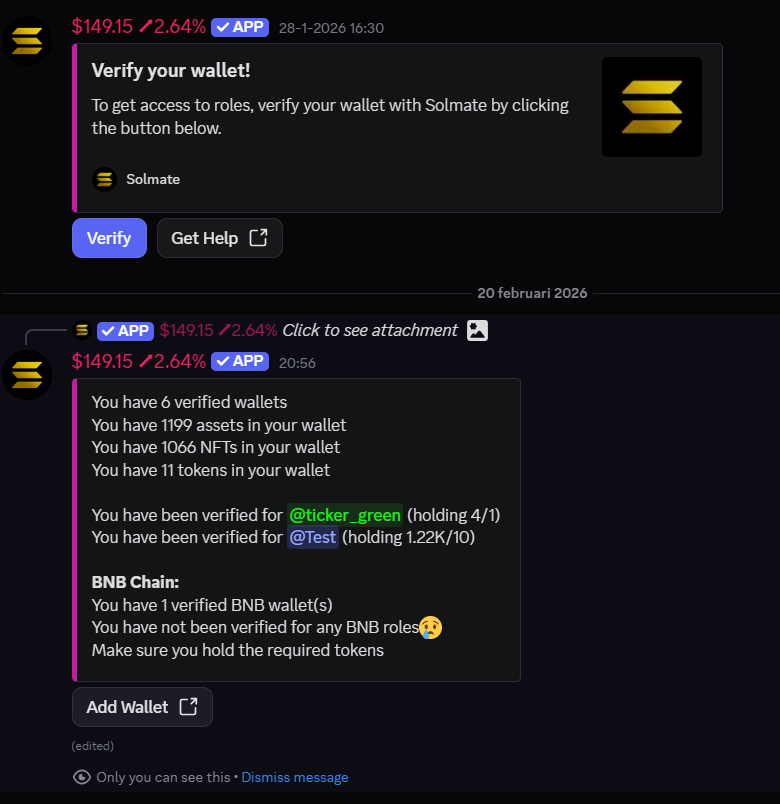
Solmate periodically re-checks holdings to ensure members still qualify for their roles. If a member sells their NFTs or tokens, their roles will be automatically removed.
You can also manually trigger a re-check from the dashboard:
* **Refresh one user:** Verification tab > Refresh User
* **Refresh all users:** Verification tab > Refresh All
## Verification Limits
| Plan | Verification Roles |
| --------- | ------------------ |
| Free | 2 |
| Plus | 20 |
| Pro | 20 |
| Community | 30 |
{% hint style="info" %}
Both Solana and BNB Chain verification are supported. You can configure chain-specific roles on the web dashboard.
{% endhint %}